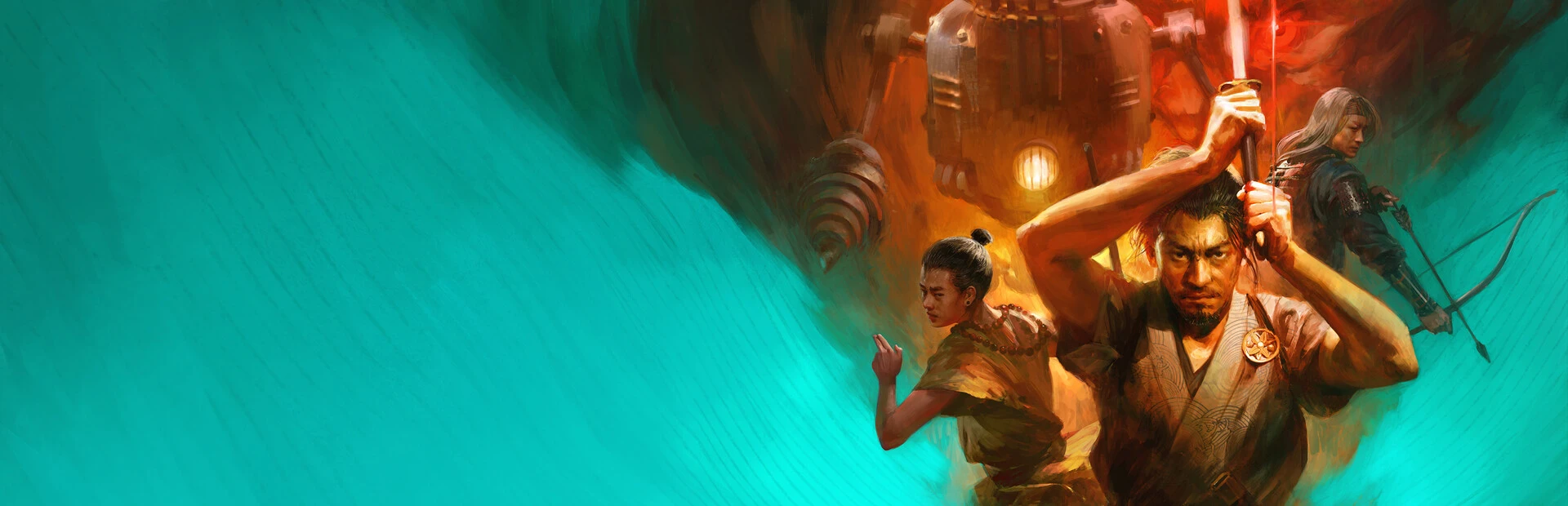
- Shadow of the Road on Mac: The story-driven RPG is built for PC first, so Mac players need a workaround.
- Best options: Cloud gaming, CrossOver/Whisky, or Boot Camp on Intel Macs.
- Minimum prep: Verify your macOS version and disk space before installing.
- Performance tip: Cap the frame rate and lower shadows for a smoother journey.
- Story first: Hitokiri and the Travellers shine regardless of platform.
Playing Shadow of the Road on Mac: Your Options
Shadow of the Road is a narrative-driven RPG set in a feudal Japan-inspired world, following characters like the arrogant yet noble scion Hitokiri and her deity-blessed naginata. The game was developed with PC as its primary platform, which means macOS users need to pick the right method to join the journey. Below is a breakdown of the main approaches, from easiest to most technical.
Video Highlights:
- Meet Hitokiri, scion of a powerful daimyo with a fierce acrobatic fighting style
- Her naginata is blessed by Kanayame, deity of gold and craftsmanship
- She excels at medium range, controlling the flow of battle
- A melee fighter whose vanity hides a selfless heart
| Method | Difficulty | Performance | Extra Cost |
|---|---|---|---|
| Cloud gaming (GeForce NOW, etc.) | Easy | Depends on internet | Subscription may apply |
| CrossOver / Whisky (translation layer) | Medium | Good on Apple Silicon | CrossOver license optional |
| Boot Camp (Intel Macs only) | Hard | Best native-level results | Windows license required |
| Virtual machines (Parallels) | Medium | Moderate, 3D support varies | Subscription fee |
Always confirm the current platform listing on the official store page before purchasing. Platform support can change with patches, and refund windows are limited if the game fails to run on your chosen setup.
System Requirements & Mac Compatibility
Before committing to any method, match your hardware against the game's demands. Turn-based and narrative RPGs like Shadow of the Road are generally forgiving, but translation layers and virtual machines add overhead.
| Spec Tier | CPU | RAM | Storage | Expected Experience |
|---|---|---|---|---|
| Entry | M1 / Intel i5 | 8 GB | 20 GB free | Playable at low settings |
| Recommended | M2 Pro or better | 16 GB | 30 GB free | Smooth at medium-high |
| Cloud streaming | Any recent Mac | 4 GB+ | Minimal | Limited by connection speed |
Apple Silicon Macs
- Best path: CrossOver or Whisky
- Excellent translation performance
- Avoids Windows licensing entirely
Intel Macs
- Best path: Boot Camp
- Full native Windows performance
- Works with any DirectX version
Low-spec Macs
- Best path: Cloud gaming
- No local GPU strain
- Requires stable 25+ Mbps internet
M-series chips handle Windows game translation surprisingly well for story-focused RPGs. Expect stable frame rates in Shadow of the Road's exploration and dialogue scenes, with occasional dips during effect-heavy combat animations.
Step-by-Step: Running the Game via CrossOver or Whisky
The translation-layer route is the most popular for modern Macs. Follow these steps to get Shadow of the Road running.
Install the Translation Layer
Download CrossOver from CodeWeavers or the free Whisky app for Apple Silicon. Grant the required security permissions in System Settings when prompted.
Create a Windows Bottle
Set up a new bottle using a recent Windows 10 (64-bit) configuration. Name it after the game so you can find it later.
Install the Game Client
Install the storefront client (such as Steam) inside the bottle, sign in, and install Shadow of the Road through it as you would on Windows.
Apply Recommended Settings
Launch the game, set the resolution to match your display, cap the frame rate, and disable motion blur to reduce rendering overhead.
Test and Fine-Tune
Play through the opening chapter. If performance dips, lower shadow quality and post-processing first, then retest.
Keep the game's bottle separate from other software. If a storefront update breaks something, a clean dedicated bottle is far easier to rebuild without losing unrelated apps.
Best In-Game Settings for Mac Performance
Shadow of the Road rewards a balanced configuration. Because much of its appeal lies in story, character writing, and tactical combat, you can safely trade visual fidelity for stability.
| Setting | Recommended | Why It Matters |
|---|---|---|
| Resolution | Native or one step below | Biggest single performance lever |
| Frame rate cap | 60 FPS | Prevents thermal throttling on MacBooks |
| Shadows | Low/Medium | Costly effect with modest visual payoff |
| Post-processing | Medium | Balances art style clarity and speed |
| V-Sync | Off (use cap instead) | Reduces input lag in combat |
Long sessions on MacBook models benefit from a cooling pad or elevated airflow. Sustained heat forces the CPU to throttle, which shows up as stutter during combat sequences featuring Hitokiri's acrobatic naginata animations.
Launch-Day Checklist
Before Your First Session:
- Confirm macOS is updated to the latest version
- Verify at least 30 GB of free disk space
- Install CrossOver or Whisky and create a dedicated bottle
- Set in-game graphics to the recommended baseline
- Test the opening chapter and adjust shadows as needed
- Back up your save folder before major patches
Locate and back up your save data inside the bottle's drive structure after your first session. Translation-layer updates can occasionally reset bottle contents, and a manual backup means your progress with Hitokiri's storyline stays safe.
FAQ
Q: Is Shadow of the Road available natively on Mac?
The game was developed with PC as its primary platform. There is no confirmed native macOS release, so Mac players rely on cloud gaming, translation layers like CrossOver or Whisky, or Boot Camp on Intel machines.
Q: Which method gives the best performance for Shadow of the Road on Mac?
On Intel Macs, Boot Camp offers the most direct performance since it runs Windows natively. On Apple Silicon, CrossOver or Whisky delivers strong results for a story-driven RPG like this, while cloud gaming suits low-spec machines with fast internet.
Q: Will using a translation layer affect my saves or achievements?
Saves and achievements sync through the storefront client, not the translation layer, so they function normally. Still, back up the save folder inside the bottle regularly as a precaution against bottle corruption.
Q: Can a base M1 MacBook handle Shadow of the Road?
For a narrative RPG of this scope, a base M1 with 8 GB of RAM generally manages playable frame rates at medium-low settings. Cap the frame rate at 60 and reduce shadows for the most stable experience.